Insight
AI Invoice Processing: What It Does and Where It Fails
Supplier invoices arrive in every format and still get re-typed. Here is what AI invoice processing actually automates, what it should never decide alone, and how to start.
November 19, 2026 · Cogya · 7 min read
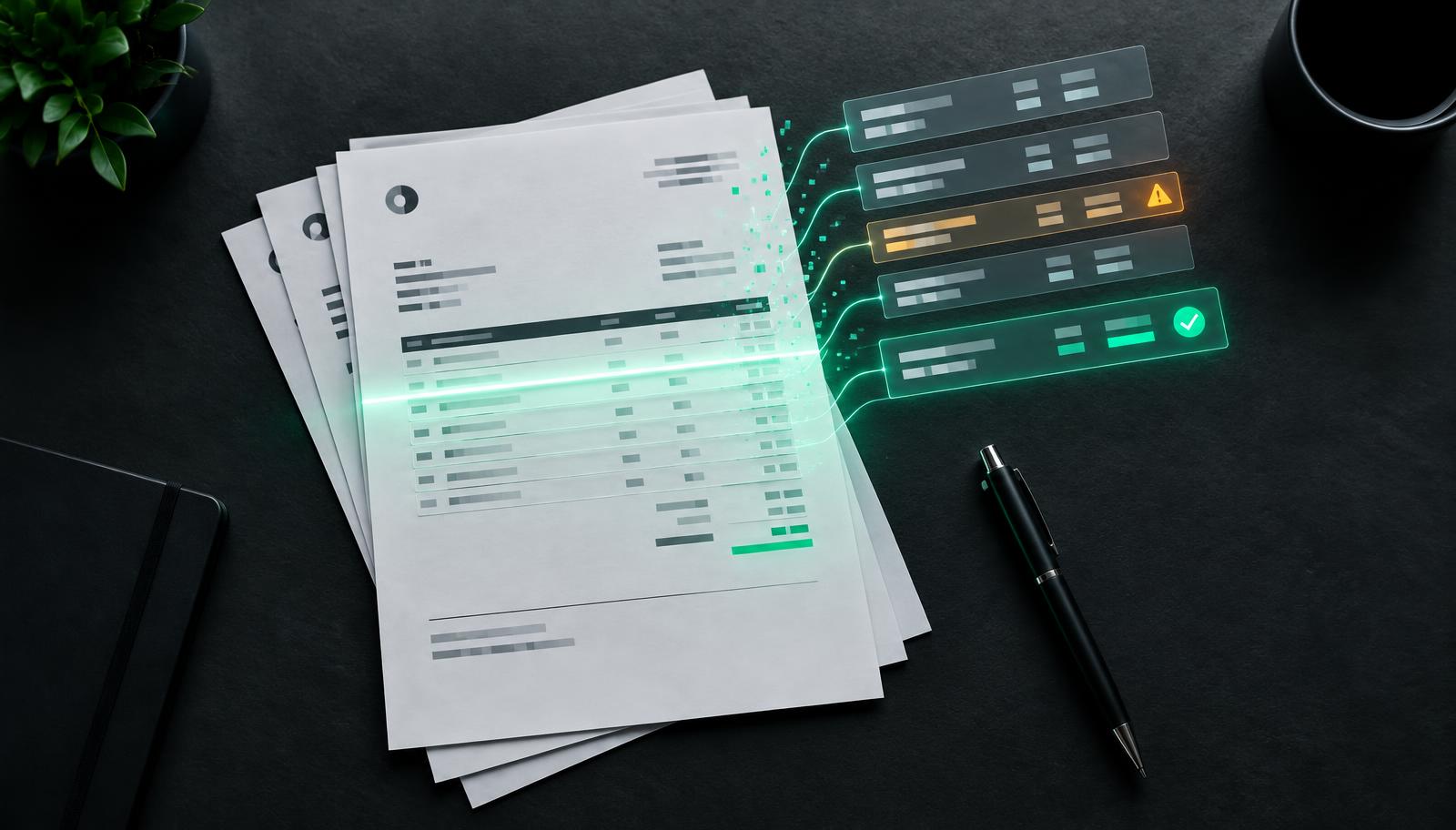
Every finance team has the same quiet queue: supplier invoices arriving as PDFs, scans, email bodies and portal downloads, each one opened, read and re-typed into the accounting system or ERP. AI invoice processing removes the re-typing. It does not remove the judgment — and the projects that work are the ones that are clear about which is which.
What AI invoice processing actually is
It is a system that reads an invoice in whatever format it arrives, extracts the fields your team needs, checks them against what you already know, and either posts the result or hands it to a person with the problem highlighted. Older template-based tools broke whenever a supplier changed its layout. Modern systems read the document the way a person does, which is why they cope with suppliers you have never seen before. We cover the wider category in intelligent document processing.
The four jobs it does
- Read. Supplier, invoice number, dates, currency, line items, tax and totals — from a clean PDF or a crooked phone photo.
- Match. Compare the invoice to the purchase order and the goods receipt. Same items, same quantities, same prices?
- Check. Flag duplicates, totals that do not add up, unknown suppliers, changed bank details and prices outside agreed terms.
- Route. Post clean invoices, send exceptions to the right person with the reason attached, and keep a record of every decision.
Where it should not decide alone
Some cases need a person every time, however good the system becomes:
- Changed bank details. A classic fraud pattern. The system should flag it and stop, never approve it.
- Disputes and credit notes. These depend on conversations the system did not see.
- Invoices with no purchase order. Someone has to confirm the spend was agreed.
- Anything above an approval limit you set. Automation should speed approvals up, not bypass them.
Designing these hand-offs is most of the work. It is the same principle behind AI agents that escalate instead of guessing.
Why projects stall
Invoice automation rarely fails because the AI cannot read. It stalls for more ordinary reasons:
- Purchase orders are incomplete, so there is nothing reliable to match against.
- Supplier records are messy, with the same supplier entered three different ways.
- The result cannot reach the ERP without someone copying it across. See AI ERP integration with older systems.
- Nobody owns the exceptions queue, so flagged invoices sit untouched.
How to start
- Pick one invoice stream — for example, your top suppliers by volume.
- Write down the checks your team already does in their heads.
- Decide which cases always go to a person.
- Run the system alongside your team first and compare its results with theirs.
- Only then let clean invoices post automatically.
This is a classic first project because it is measurable: you can count invoices, exceptions and time per invoice before and after. Our guide to scoping a proof of concept shows how to set that test up, and the case studies show similar document work in production.
The honest summary
AI invoice processing is one of the most dependable places to start with AI, because the inputs are documents, the rules already exist and the results are easy to check. Treat it as an accounts-payable workflow with clear exceptions — not as a reading tool — and it will hold up.