Insight
AI Task Automation: Which Tasks Are Worth Automating
Ask a vendor about AI task automation and you get a tool list. Ask an operator and you get a specific person, doing a specific thing, too many times a week. Here is how to tell which tasks are actually worth automating.
September 2, 2026 · Cogya · 8 min read
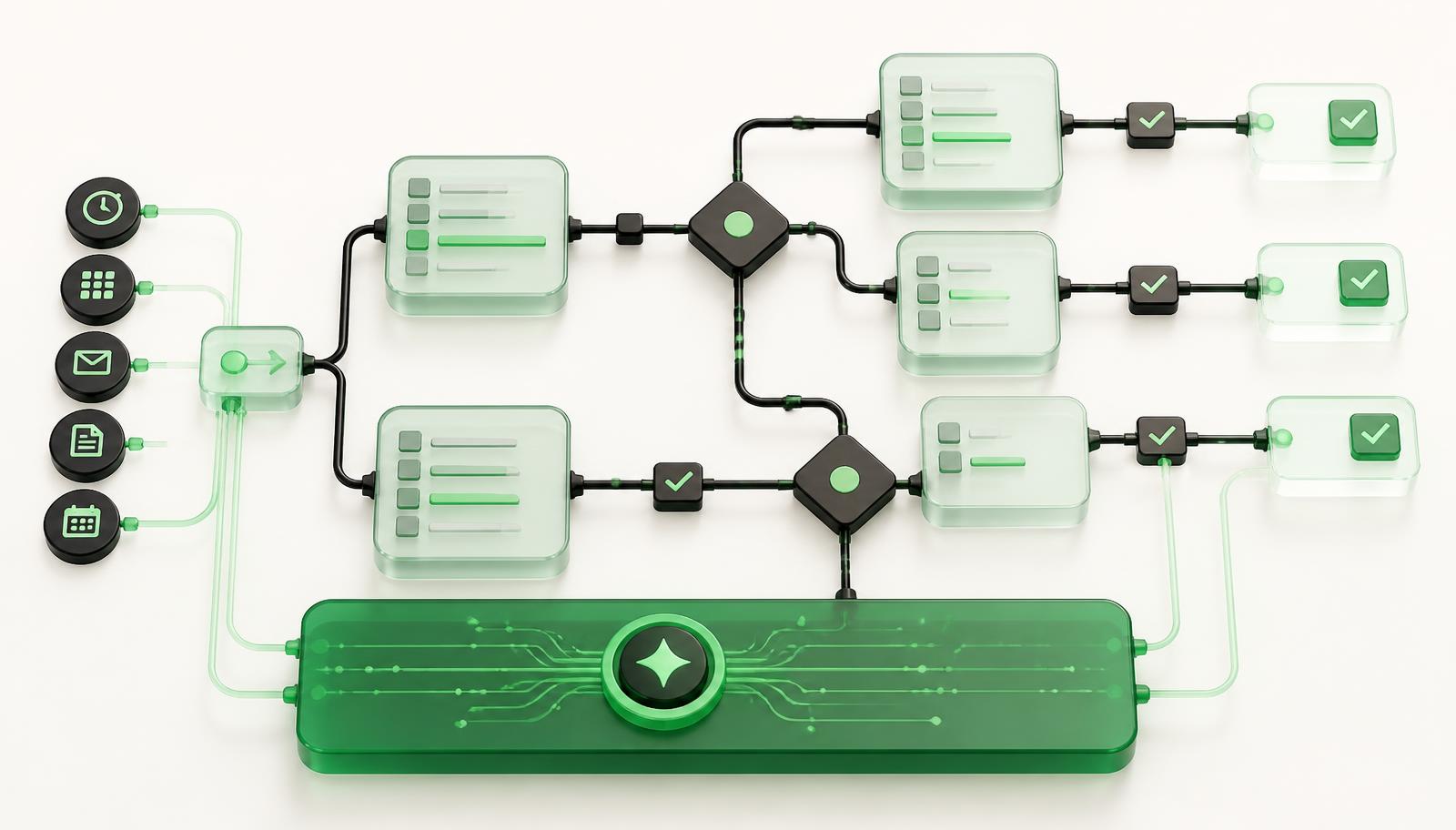
Ask most vendors about AI task automation and you get a tool list. Ask an operations manager and you get something more useful: a specific person, doing a specific thing, too many times a week.
That gap is the whole problem. There is an enormous amount of writing about what AI task automation is and almost none about which task in your business is worth the effort. IBM's explainer walks through four generic steps. Ranked listicles compare ten tools. Both skip the decision that determines whether the project works.
We've written separately about where AI fits in a business at all — that's the opportunity-level question. This article assumes you've already got a candidate in mind and asks a narrower one: is a task the right thing to automate, or is the task hiding the real problem?
What AI task automation actually changes
Conventional automation follows rules you write in advance. If the invoice total exceeds $10,000, route it to the controller. It is fast, cheap, and completely helpless the moment the input stops being predictable.
AI task automation handles the part that was never predictable enough to write a rule for: reading a scanned delivery note, interpreting a handwritten comment, deciding whether a supplier's quote matches the line item it claims to. The task doesn't change. What changes is that the judgement inside the task no longer has to come from a person every single time.
That distinction tells you where to look. The tasks worth automating with AI are the ones that stalled at the automation boundary years ago — the ones someone already tried to fix with a macro, a template, or a very long spreadsheet, and gave up on.
The unit problem: a task is rarely the bottleneck
Here is the trap. "Task" is a convenient unit for buying software and a bad unit for fixing operations.
Take a pattern we see constantly: order intake. Somebody spends ten minutes building each order by hand. Automating "order entry" sounds obvious. But those ten minutes are not one task — they are re-keying the same order into a spreadsheet, a shared drive, a chat thread and an email, because none of those systems talk to each other. Automate the typing and you get a faster version of the same fragmentation.
Before you automate a task, trace it one step backwards and one step forwards. If the task exists only because two systems don't connect, you are looking at an integration problem wearing a task costume.
The three shapes of task automation
Almost every viable candidate falls into one of three shapes, and they have very different risk profiles. Knowing which one you're dealing with tells you how to scope it.
Extract. Pull structured data out of an unstructured input — a PDF, a photo, a handwritten note, an email body. This is the safest shape and usually the highest leverage, because the output is checkable in seconds: a human compares the extracted fields against the source document and immediately sees whether it worked. Start here if you can.
Decide. Apply consistent judgement to a case — classify this exception, flag this request as one you shouldn't bid on, match this requirement to this supplier. Higher value, higher scrutiny. The decision must be explainable, and someone must be able to see why the system chose what it chose.
Assemble. Build a document, response or package from parts — a quote, a shortlist, a report. This works well as a draft-generator handing a reviewer something 80% complete, and works badly as an unreviewed final output.
Most failed projects start at Decide or Assemble without having done Extract first, which means the system is reasoning over data that's still being typed in by hand.
What makes a task automatable
Run a candidate through these. Three or more clear yeses is a strong signal.
It runs on unstructured input. If the input is already clean structured data, you probably need a script, not a model — and a script is cheaper to run and easier to trust.
It repeats at meaningful volume. Not "sometimes." A task done four times a month rarely repays a custom build, however annoying it is. Forty times a week does.
The judgement inside it is explainable. Ask the person who does it to talk you through five real examples. If they can articulate why each decision went the way it did, that logic can be encoded. If the answer is "you just know after a while," you have a longer discovery problem — solvable, but not in a sprint.
Errors are visible and recoverable. Automating a task whose mistakes surface three months later in an audit is a different risk class from one where a human reviews the output the same morning.
It blocks something. The best candidates aren't the most tedious tasks; they're the ones other people are waiting on. Tedium is a morale cost. A queue is a revenue cost.
What this looks like with real numbers
The pattern holds across very different operations.
A France-based recruitment agency specialising in cybersecurity engineers was taking 3–5 days to match candidates to a role, and 30–40 minutes to prepare each candidate profile. The unstructured input was the CV and the role spec; the repeated judgement was the match. Matching now runs at about three hours, profile preparation takes seconds, and deal win rate is up roughly 30%. (Full case study)
The same shape, larger scale: a healthcare procurement and medical supply company went from answering RFQs in 24–48 hours to 1–2 hours, and lifted annual bid capacity 40%, by extracting requirements from bid documents rather than reading them by hand. (Full case study)
Neither is a tool purchase. Both are the same move: find where unstructured input meets repeated expert judgement, and encode the judgement.
Where task automation quietly fails
The task was rare. It felt urgent because the last time it happened it went badly. Volume, not memory, should drive the decision.
Nobody owned the output. An automated task produces something. If no one's job changes to include acting on that something, the output accumulates unread.
The expert left the room. Encoding judgement requires the person who has it, in the room, for real hours — not a kickoff call. When that person is the busiest individual in the company, the project stalls there and only there. Budget for it explicitly.
The measurement was vanity. "Saves 200 hours a year" means nothing if those hours were four minutes spread across sixty people. Look for hours removed from one constrained role or one blocked queue.
Task automation versus rebuilding the workflow
This is the decision most articles skip, and it's the one that decides whether you get a result or a demo.
If the task is genuinely self-contained — read this document, extract these fields, hand it to a person — automate the task. Contained build, contained payoff, weeks not quarters.
If the task exists to paper over a gap between systems, automating it entrenches the gap. The delivery operation described earlier didn't need faster typing; it needed the order to exist in one place, so that intake, scheduling, proof of delivery and client visibility all read from the same record. That's a platform decision, not a task decision, and treating it as a task produces a fast process that still loses orders.
The test is one question: if you automated this task perfectly, would the work downstream get easier, or would it just arrive sooner? If it only arrives sooner, you're solving the wrong unit — and no amount of model quality will fix that, because the constraint was never the task.
The five-day task audit
You don't need a discovery phase to answer this.
Monday — list every task in one team that takes more than fifteen minutes and happens more than ten times a week.
Tuesday — mark which of those run on unstructured input, and tag each as Extract, Decide or Assemble.
Wednesday — sit with whoever does the top three and have them narrate five real examples each. You are listening for whether the judgement is explainable.
Thursday — for each, ask what is waiting on it, and run the downstream test above.
Friday — pick one, write down the number you expect to move, and write down how you will see it move.
If you can't name the number, you're not ready to build. That's a useful outcome too — it usually means the constraint is somewhere you haven't looked yet.
Where the audit lands on a system rather than a task, that's what custom AI development is for.