Insight
AI Integration Services: What You're Actually Buying
AI integration is not one thing. It is three layers of work — data plumbing, AI steps that read and decide, and landing results in your system of record. Here is what a good engagement should deliver.
November 4, 2026 · Cogya · 8 min read
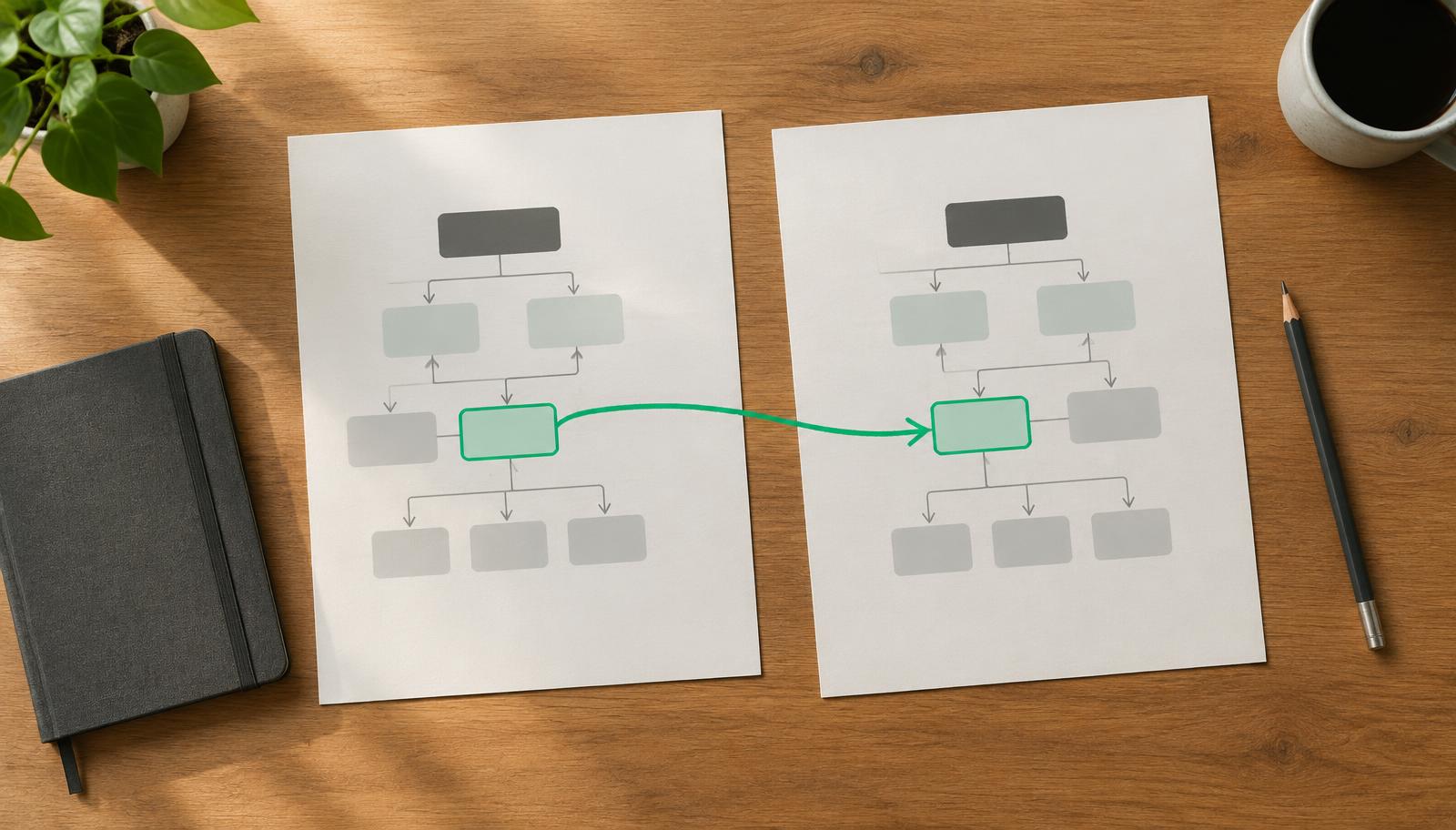
Most companies that look for AI integration services already have connected systems. The CRM talks to the invoicing tool, the form creates a record, the status change sends an email. What they do not have is a system that can read an incoming document, decide what it means, and act on it without a person in the middle. That gap is what AI integration actually closes — and it is a different job from the connecting most people picture.
What AI integration services actually are
AI integration services take an AI capability — reading documents, classifying requests, extracting data, applying your rules — and wire it into the systems and processes you already run. The goal is not a demo or a chatbot on the side. The goal is that a real process, with real volume, runs with fewer manual steps and a record of every decision.
That makes it different from two things it is often confused with. It is not API and data integration, which moves structured data between systems but cannot interpret anything. And it is not buying an AI tool, which gives you a capability in a separate tab that your team still has to copy results out of.
The three layers of the work
- Data plumbing. Getting the inputs the AI step needs — emails, PDFs, records, history — out of your systems in a usable form, and getting results back in. This is ordinary integration work, and it is usually most of the effort.
- The AI steps. The points in the flow where something must be read, classified, extracted or judged. Each one needs a confidence path: clear results continue automatically, uncertain ones go to a named person.
- The system of record. The output has to land where the work actually happens — your ERP, CRM or operations spreadsheet. If someone still re-types the result, the integration is half done.
Our pillar on what it takes to make an AI automation work covers the five functions every working system needs; integration is how those functions meet your existing stack.
What a good engagement should deliver
- One process running end to end, on real volume — not a capability demonstration on sample data.
- Validation against your own data. Outputs checked against supplier lists, agreed prices, customer records or totals before anything is sent or written.
- An exception path with a named owner. The cases the AI cannot handle go to a specific person, with the problem highlighted — not into a queue nobody watches.
- A decision log. Every automated decision recorded, so you can explain a result to a client, an auditor or yourself six months later.
- Handover documentation. What was built, how it is monitored, and what to check when something drifts — so you are not dependent on the builder forever.
Off-the-shelf tools vs custom integration
Connector tools and AI features built into your existing software are worth trying first when your process is standard and your data is clean. They break down when your inputs are messy — supplier quotes in dozens of layouts, requests written in plain language, documents that must be checked against your own history. That is where custom integration earns its cost: the AI step is built around your data and your rules, not a generic template. The trade-offs are the same ones we describe in AI workflow automation.
What it looks like in practice
In a healthcare procurement and bid management build, the integration connected incoming requests, supplier price collection and bid preparation into one flow. RFQ response time went from 24–48 hours to 1–2 hours, supplier price collection from 2–3 weeks to 5–7 days, and supplier pricing discrepancies fell by 90%. In an AI recruitment build for a French cybersecurity agency, preparing an anonymised client-ready candidate profile went from roughly 40 minutes to seconds — because the AI step was integrated into the existing screening workflow, not bolted on beside it.
Where integration projects go wrong
- Starting with the model instead of the process. The AI is the smaller half of the work; the flow around it decides whether it helps.
- Clean-sample testing. A system that works on fifty tidy examples and fails on the awkward Monday-morning batch was never integrated — it was demonstrated.
- No exception owner. Exceptions pile up, people quietly return to the old way, and the system dies without anyone switching it off.
- Stopping before the system of record. If the output lives in a separate dashboard, adoption depends on people remembering to look at it.
How to buy it
Buy the diagnosis before the build. A fixed-scope look at one process — where the bottleneck is, what the data looks like, what the integration points are — tells you whether the project is worth doing and what it should cost. Our guides to what to buy first from an AI automation consultant and how to choose a software integration company cover the buying side in more detail. When you are ready to see what a build involves, our custom AI development page describes how we work.
The short version
AI integration services are not about connecting apps — you likely did that years ago. They are about putting steps that read, decide and act inside your real processes, with validation, exception handling and a record of every decision. Buy one process running end to end, not a capability. And measure it against a baseline you recorded before the build started.